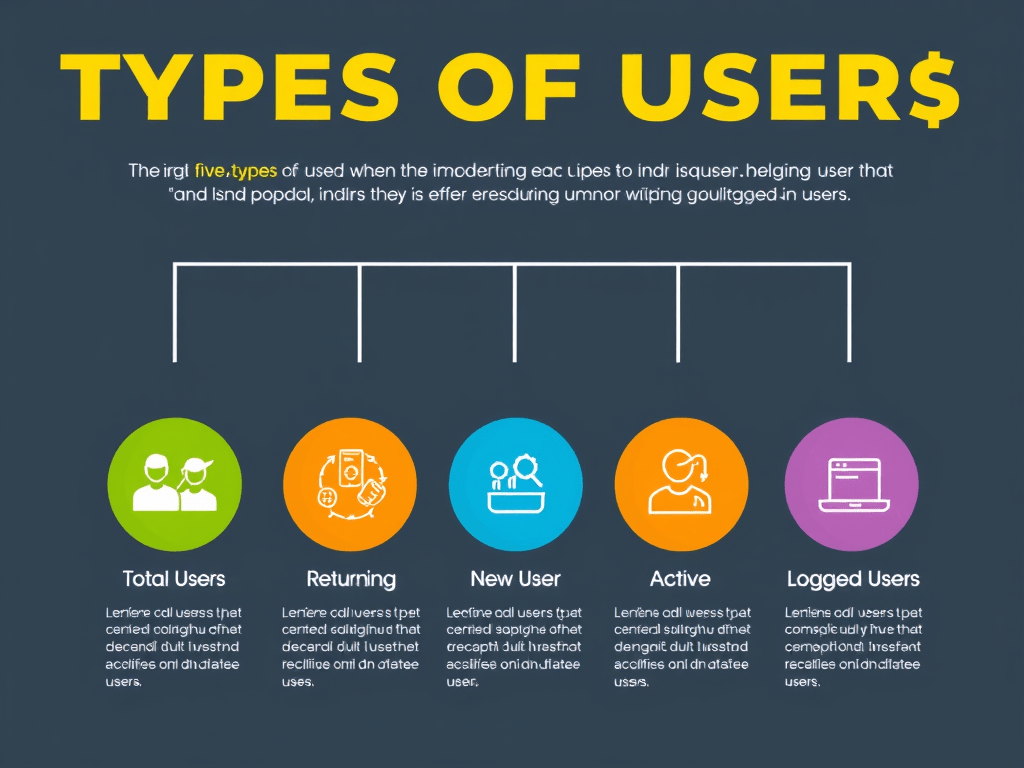
Google Analytics 4 (GA4) offers a more flexible and event-based model than Universal Analytics, but it can be confusing when it comes to understanding user types. Here’s a breakdown of the main user types GA4 tracks, what they mean, and what you should consider when analyzing them.
1. Total Users
- Definition: The number of unique users who had at least one engaged session or event on your site or app.
- GA4 Field:
user_pseudo_id - Consider: This is deduplicated by user ID or device, but not across devices unless you’ve enabled user ID tracking.
2. New Users
- Definition: Users who interacted with your site/app for the first time, based on
user_first_touch_timestamp. - How GA4 Determines This: If there’s no previous timestamp for that
user_pseudo_id, they’re marked as new. - Consider: A user clearing cookies or using a new device may be counted as “new” again.
3. Returning Users
- Definition: Users who came back after their first visit.
- Not visible by default in GA4’s UI, but can be queried using BigQuery by comparing
event_timestamptouser_first_touch_timestamp. - Consider: You’ll need SQL or custom audiences to track this accurately.
4. Active Users
- Definition: Users who have had an engaged session — either with a session lasting 10+ seconds, a conversion event, or at least 2 screen/pageviews.
- GA4 Metric:
activeUsers - Consider: Replaces the old “Users” metric from Universal Analytics. This is what GA4 uses for most reports by default.
5. Logged-In Users (User-ID Enabled)
- Definition: Users identified across devices using a login system and User-ID.
- Benefit: Cross-device, cross-platform tracking accuracy.
- Consider: Requires custom implementation via GTM or SDK.
Bonus: Where to See These in GA4
- Reports Snapshot → Users (Active Users, New Users)
- Explorations → User Scoping (Build your own segments)
- BigQuery Export (Raw data for full customization)
Key Considerations
“New” users can be overcounted due to cookie deletion or app re-installs.

Leave a comment