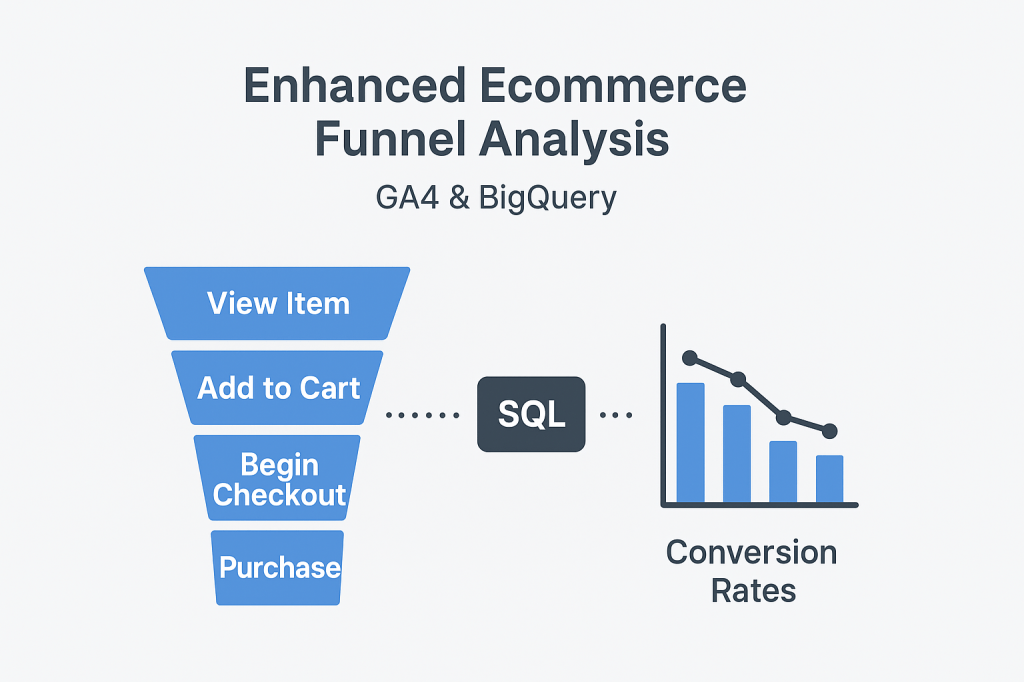
Understanding your e-commerce checkout funnel is key to improving conversions and sales. Google Analytics 4 (GA4) exports detailed event-level data to BigQuery. This lets you slice and dice every user interaction in your funnel. These interactions range from product views to purchases. In this post, I’ll walk you through the GA4 e-commerce event schema in BigQuery. I will show you how to write SQL queries to extract the main funnel stages. These stages include view_item, add_to_cart, begin_checkout, and purchase.
By the end, you’ll have a solid foundation to build your own funnel analysis. This will help you unlock deeper insights about your customers’ behavior.
GA4 Ecommerce Events Overview
GA4 tracks ecommerce activity using several key events. Here are the main ones involved in the checkout funnel:
| Event Name | Description |
|---|---|
view_item | User views a product detail page |
add_to_cart | User adds a product to their shopping cart |
begin_checkout | User starts the checkout process |
purchase | User completes a purchase |
Each event is stored in the BigQuery table as a row in events_*. It includes details in nested fields such as event_params, items, and user/session identifiers.
Understanding the GA4 BigQuery Schema
Your GA4 dataset in BigQuery typically looks like this:
events_*tables: Raw event data partitioned by date- Key columns:
event_name— the event type (e.g.,view_item)event_timestamp— when event occurreduser_pseudo_id— anonymized user identifierevent_params— repeated key-value pairs with event details (e.g., product ID)items— repeated record with product-level data likeitem_name,item_category,price, andquantity
To analyze the funnel, we need to filter by these event names and extract relevant parameters.
Find schema documentation here for items in bigquery GA4: Data Export Items Schema
Basic SQL Query to Extract Funnel Events
Here’s a simple example to get started. This query pulls user events for a specific date range and extracts the ecommerce funnel stages with product info:
SELECT
  user_pseudo_id,
  event_name,
  TIMESTAMP_MICROS(event_timestamp) AS event_time,
  (SELECT value.string_value FROM UNNEST(event_params) WHERE key = 'item_name') AS product_name,
  (SELECT value.int_value FROM UNNEST(event_params) WHERE key = 'quantity') AS quantity
FROM
  `your_project.your_dataset.events_*`
WHERE
  event_name IN ('view_item', 'add_to_cart', 'begin_checkout', 'purchase')
  AND _TABLE_SUFFIX BETWEEN '20230801' AND '20230807'
ORDER BY
  user_pseudo_id, event_time
LIMIT 1000;
Explanation:
- Filters for the 4 key funnel events
- Extracts product name and quantity from nested
event_params - Limits data to one week (
2023-08-01to2023-08-07) - Orders events by user and time for easy funnel reconstruction
Next Steps
With this foundation, we can:
- Build funnel step counts and visualize drop-offs
- Segment by product categories or campaigns
- Calculate conversion rates at each stage (covered in a future post!)
TL;DR
- GA4 ecommerce funnel events include:
view_item→add_to_cart→begin_checkout→purchase - Data is stored in BigQuery
events_*tables with nested fields likeevent_paramsanditems - Use SQL to:
• Filter for key funnel events
• Extract product info from nested parameters
• Order events byuser_pseudo_idand timestamp - This foundational query helps you:
• Track user progression through the funnel
• Prepare for conversion rate and drop-off analysis
• Segment funnel data by products or campaigns


Leave a comment