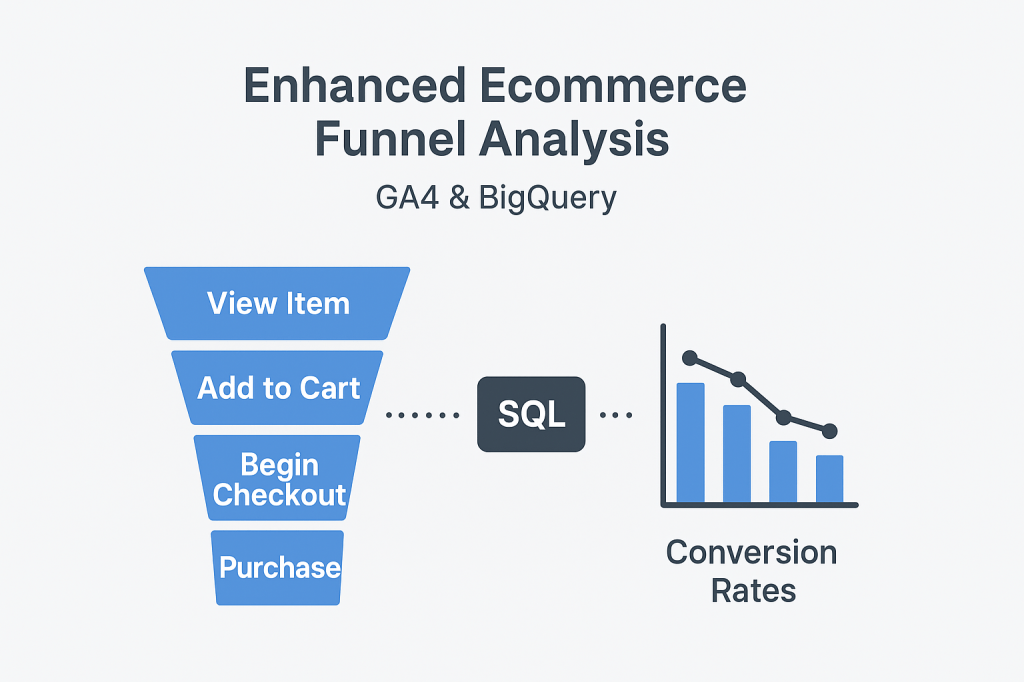
Cart abandonment kills revenue. But with GA4 and BigQuery, you can do more than just spot it—you can uncover when users come back naturally, and when to target them effectively to win them back.
Yesterday, we tackled Calculating Conversion Rates at Each Step of the Ecommerce Funnel Using BigQuery SQL.
Today, let’s focus on cart abandoners—identifying them and digging into their recovery behavior using a real-world use case and application.
Here’s how we’ll structure today’s deep dive:
- Identify cart abandoners
- Segment them using dimensions
- Measure their natural recovery time
- Use timing insights for smarter re-engagement
1. Define Cart Abandoners
Cart abandonment occurs when a user:
- Triggers
add_to_cart - But never completes a
purchasein the same session or journey
Here’s how to surface those users:
WITH
cart_events AS (
  SELECT
    user_pseudo_id,
    MIN(TIMESTAMP_MICROS(event_timestamp)) AS first_add_to_cart
  FROM `your_project.analytics_XXXX.events_*`
  WHERE event_name = 'add_to_cart'
  GROUP BY user_pseudo_id
),
purchase_events AS (
  SELECT
    user_pseudo_id,
    MIN(TIMESTAMP_MICROS(event_timestamp)) AS first_purchase
  FROM `your_project.analytics_XXXX.events_*`
  WHERE event_name = 'purchase'
  GROUP BY user_pseudo_id
)
SELECT
  c.user_pseudo_id,
  c.first_add_to_cart
FROM cart_events c
LEFT JOIN purchase_events p
  ON c.user_pseudo_id = p.user_pseudo_id
  AND p.first_purchase > c.first_add_to_cart
WHERE p.first_purchase IS NULL;
Pointers:
cart_events: captures the earliestadd_to_cartper user.purchase_events: captures the earliestpurchaseper user.- Left join +
IS NULL: isolates users who added to cart but didn’t purchase afterward.
2. Segmenting Abandoners for Deeper Insight
Next: enrich this list by joining in dimensions like traffic source, device, or item category:
SELECT
  c.user_pseudo_id,
  ts.source AS traffic_source,
  i.item_category,
  COUNT(*) AS abandon_count
FROM cart_events c
LEFT JOIN purchase_events p
  ON c.user_pseudo_id = p.user_pseudo_id
  AND p.first_purchase > c.first_add_to_cart
JOIN `your_project.analytics_XXXX.events_*` e
  ON c.user_pseudo_id = e.user_pseudo_id
LEFT JOIN UNNEST(e.event_params) AS param
  ON param.key = 'item_category'
WHERE p.first_purchase IS NULL
GROUP BY c.user_pseudo_id, traffic_source, item_category;
Tips:
- Join on
session_startoruser_ltvfor source. - UNNEST item parameters for product-level clarity.
- Identify which sources/categories show the highest abandonment.
3. Measuring Natural Recovery Time (Deepened with GA4BigQuery Insights)
Here’s where things get interesting. According to GA4 BigQuery’s tutorial “Analyze the Recovery Time of Checkout Abandoners”, tracking the time interval between abandonment and eventual purchase lets you determine:
- When users naturally return, without you lifting a finger.
- The optimal window to re-engage them with reminders or offers.
GA4BigQuery
Here’s an adapted SQL approach:
WITH events AS (
  SELECT
    user_pseudo_id,
    event_name,
    TIMESTAMP_MICROS(event_timestamp) AS ts
  FROM `bigquery-public-data.ga4_obfuscated_sample_ecommerce.events_*`
  WHERE event_name IN ('add_to_cart', 'purchase')
),

first_action AS (
  SELECT
    user_pseudo_id,
    MIN(ts) FILTER (WHERE event_name = 'add_to_cart') AS t_cart,
    MIN(ts) FILTER (WHERE event_name = 'purchase') AS t_purchase
  FROM events
  GROUP BY user_pseudo_id
)

SELECT
  *,
  TIMESTAMP_DIFF(t_purchase, t_cart, HOUR) AS hours_to_recovery
FROM first_action
WHERE t_purchase IS NOT NULL;
Key points:
- Captures natural recovery time: hours between cart add and purchase.
- Helps target retargeting emails: send them at the peak recovery time window.
4. Using Timing Insights for Smarter Re-Engagement
With recovery timing mapped, you can structure interventions:
| Time Since Abandonment | Action |
|---|---|
| <2 hours | Gentle reminder: “You left something in your cart.” |
| 24 hours | Consider gentle discount or support offer. |
| >48 hours | Last push: “Still interested? Here’s 10% off.” |
This approach lets you stay relevant without being intrusive — respecting natural recovery while gently nudging users where needed.
5. References & Further Reading
- GA4 event and parameter definitions: Google’s Event Reference
- GA4 BigQuery tutorial on recovery time of checkout abandoners for methodology and SQL framework GA4BigQuery
- Use cases: leverage funnel metrics + timing insights to form a recovery strategy with purpose
TL;DR
- Identify cart abandoners via event comparisons.
- Segment them by source, device, or product to spot patterns.
- Measure natural recovery time to understand when users return organically.
- Use that insight to craft well-timed, effective recovery messages.


Leave a comment